15 Nov - 19 Nov Expected delivery date
13 Nov
Order placed
15 Nov - 19 Nov
Delivered
Create in 3 easy steps
just as easy on a phone as on a computer
step 1
Upload photos
directly from the phone’s gallery or the cloud.
step 2
You automatically fill in the photos.
With just one button, the photos will be automatically arranged across the pages.
СТЪПКА 3
Customize
the page layout, the number of photos per page, and you can also add text.
How to create an album in under 10 minutes
Create from phone
Generated by computer
FAQ
Some designs are ready by default and their covers are not subject to change (they are complete and do not require personalization). For other designs, the cover can be personalized – by changing the sample text and/or adding a photo. Once you open the editor, you will see if the selected design allows cover personalization.
The price includes a photo book with a minimum of 28 pages. Each additional page is charged at €0.90
Yes, you can. Every page allows for full customization – you can change the layout and arrange photos entirely according to your preferences. If you prefer a quicker option, use the autofill feature, which arranges photos in chronological order.
Slight color differences are possible – screens display colors using light, while printing uses ink. However, the photos will look as close to the original as possible.
Yes. You need to be logged in to your account. You can save the project using the button in the editor and continue at any time from your account.
Yes! We do not include invoices or pricing information in the package, so it is perfectly suitable for gifting.
Contact our support team as soon as possible at info@magicphotobook.com. We cannot guarantee that we will be able to cancel the order as orders are printed on the same or next business day. However, we will do our best to find a solution.

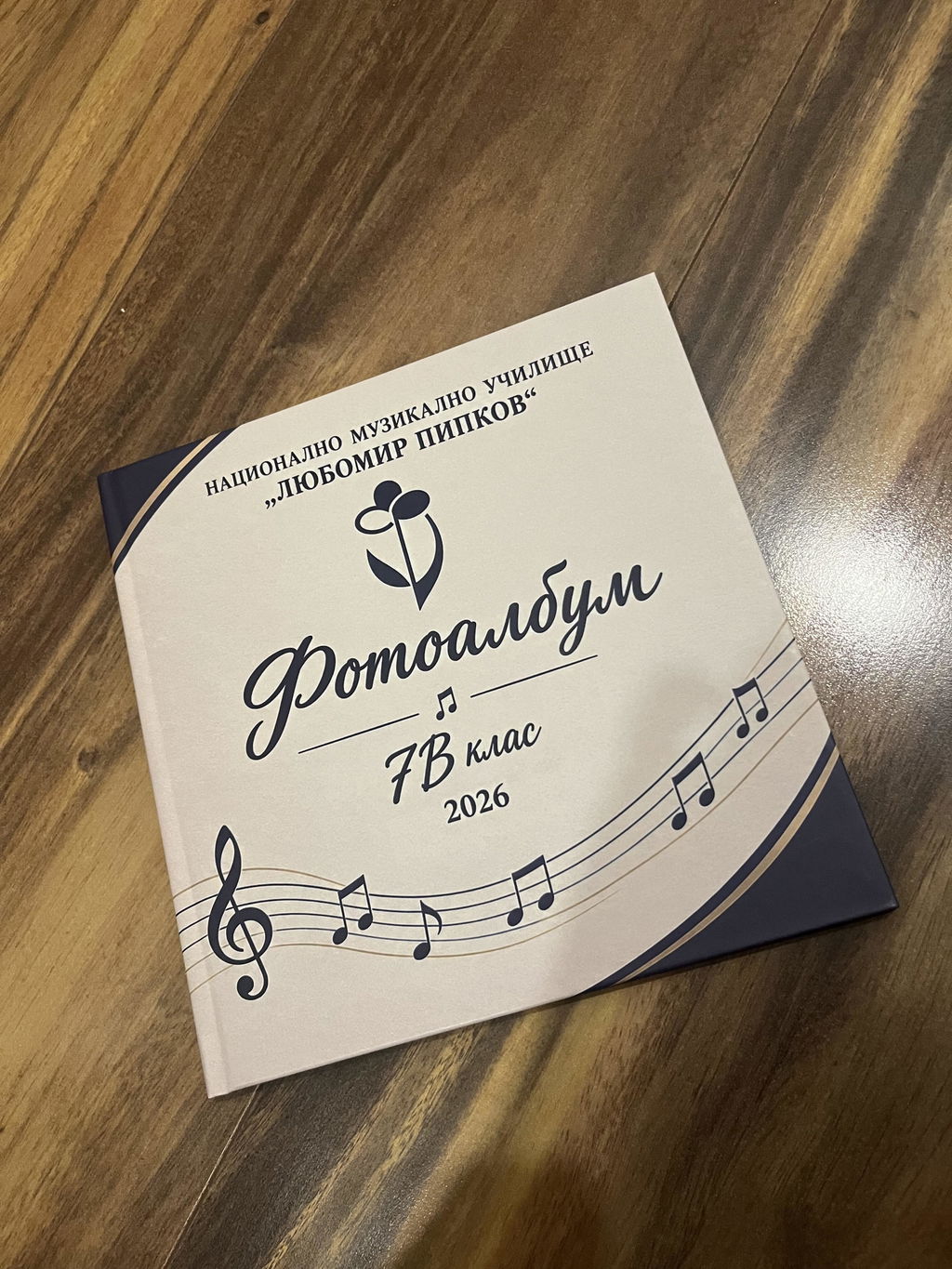
Чудесна е!
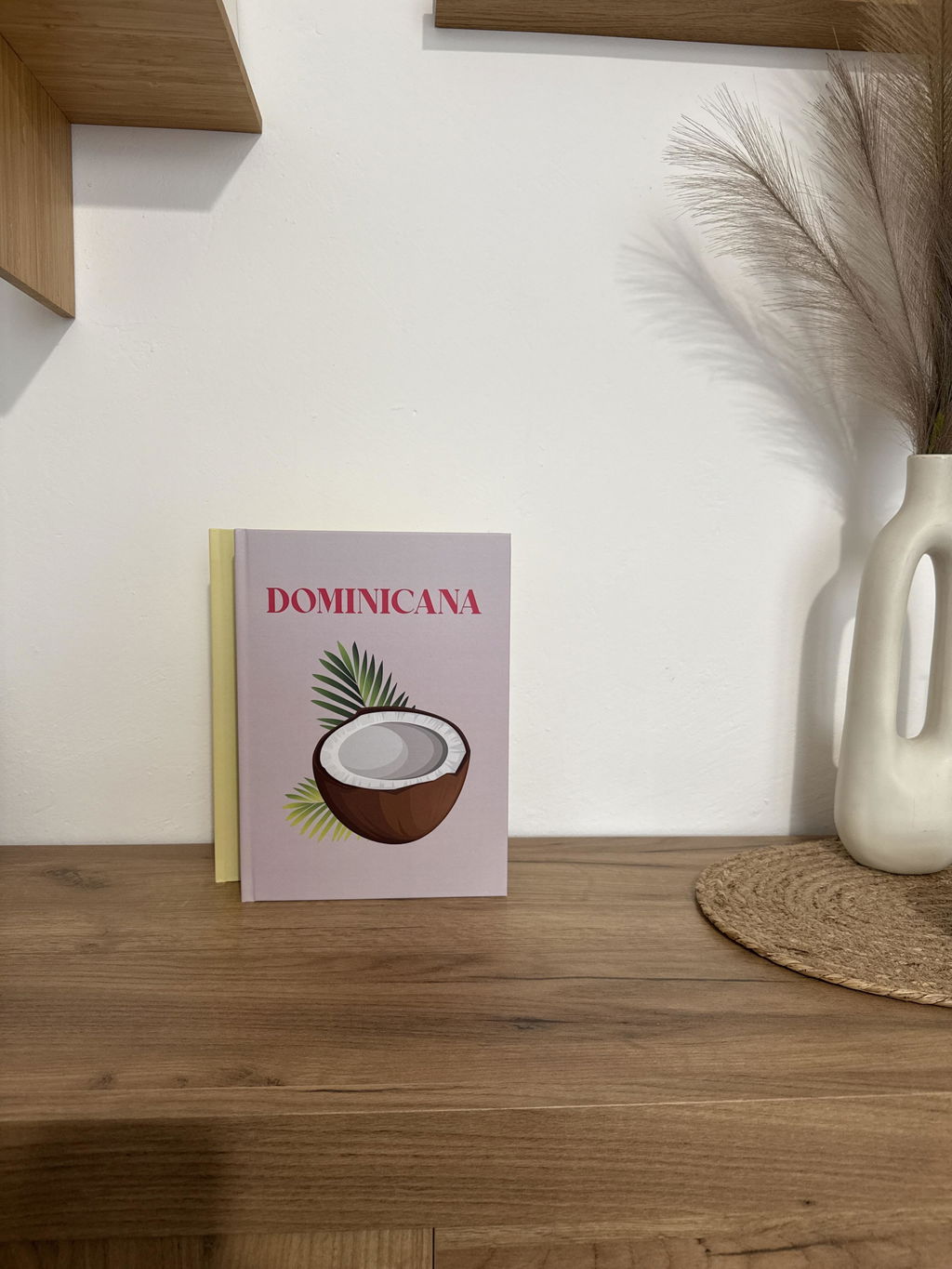
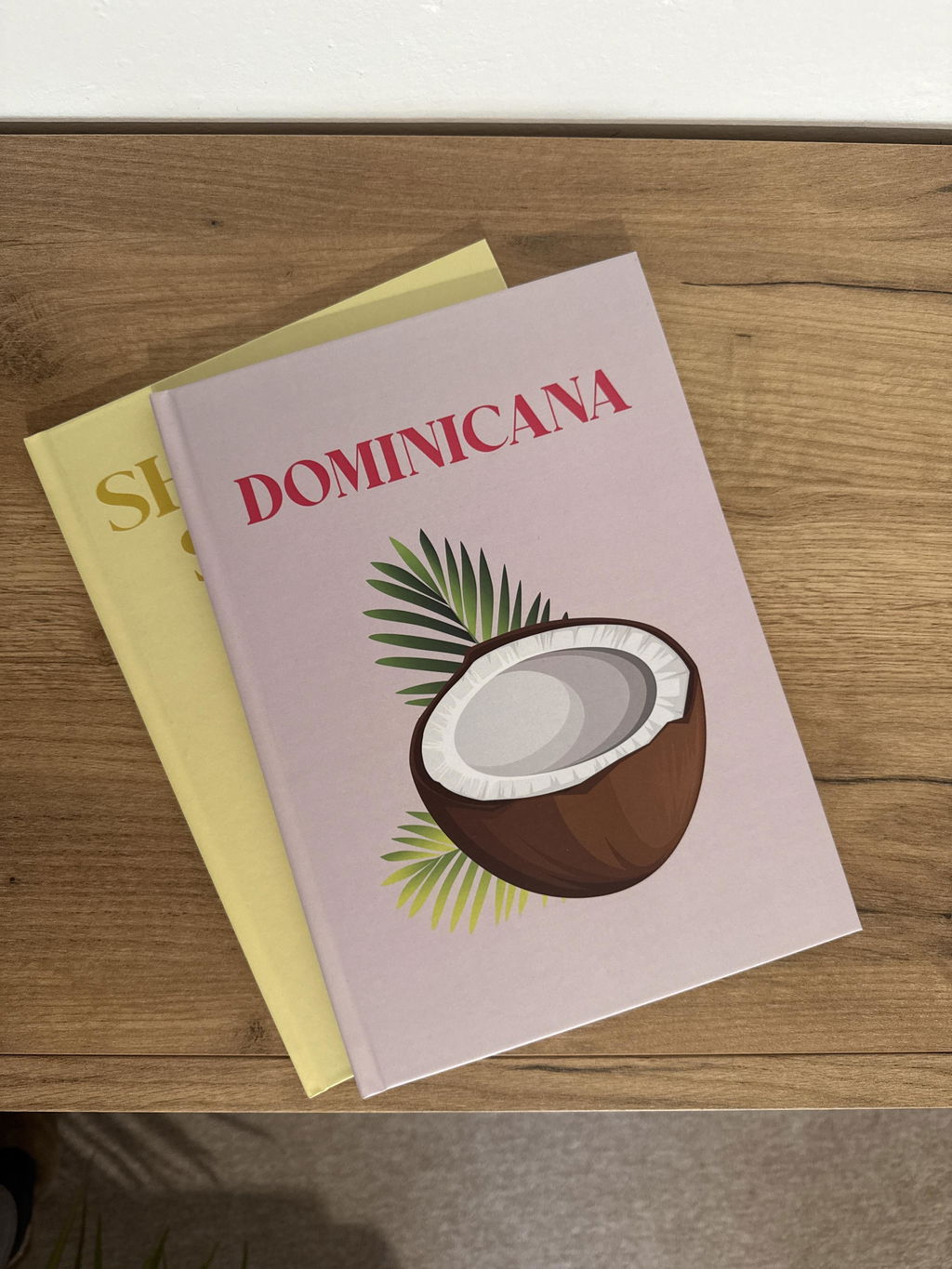
Точно, каквото очаквах!
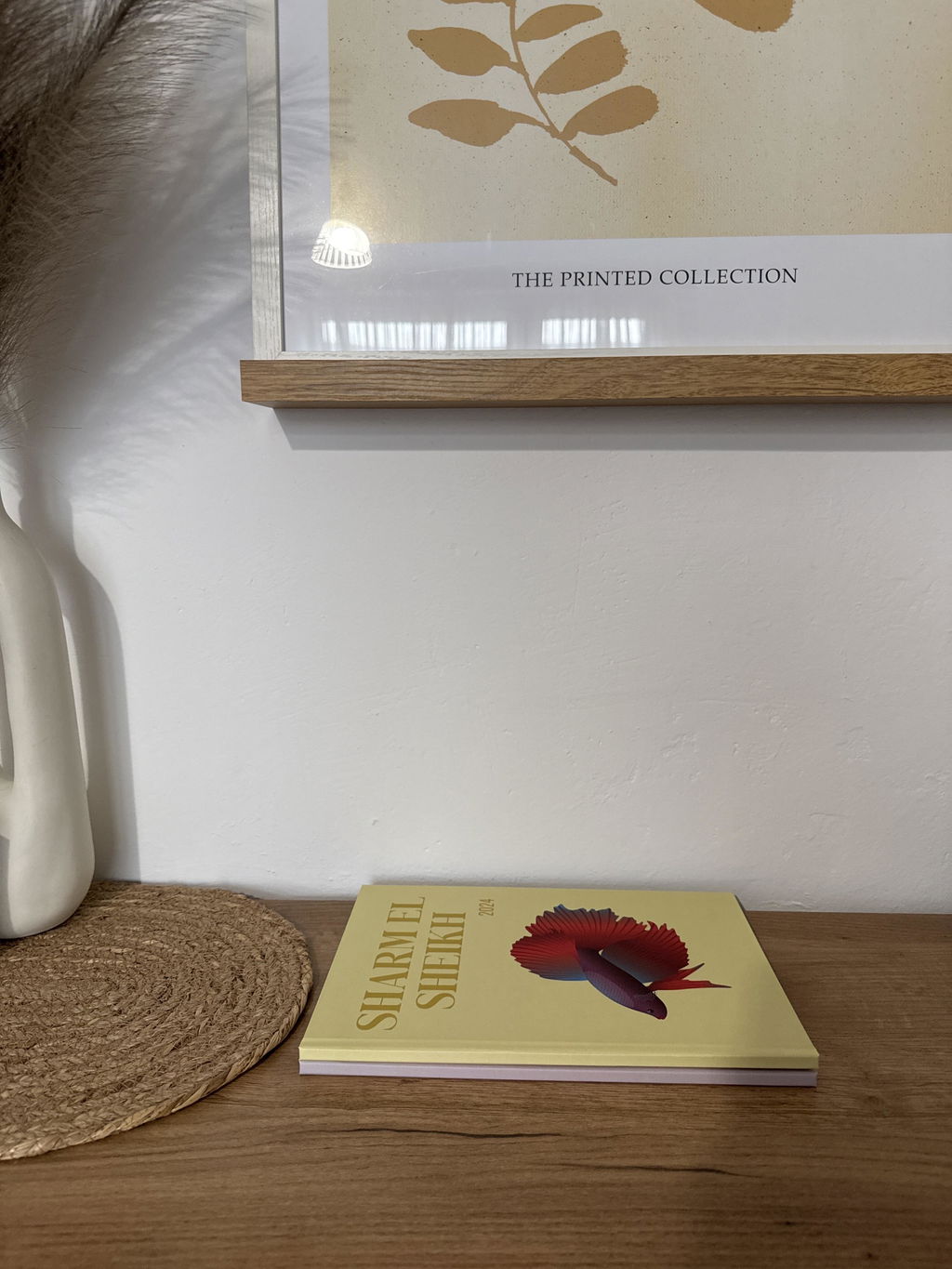
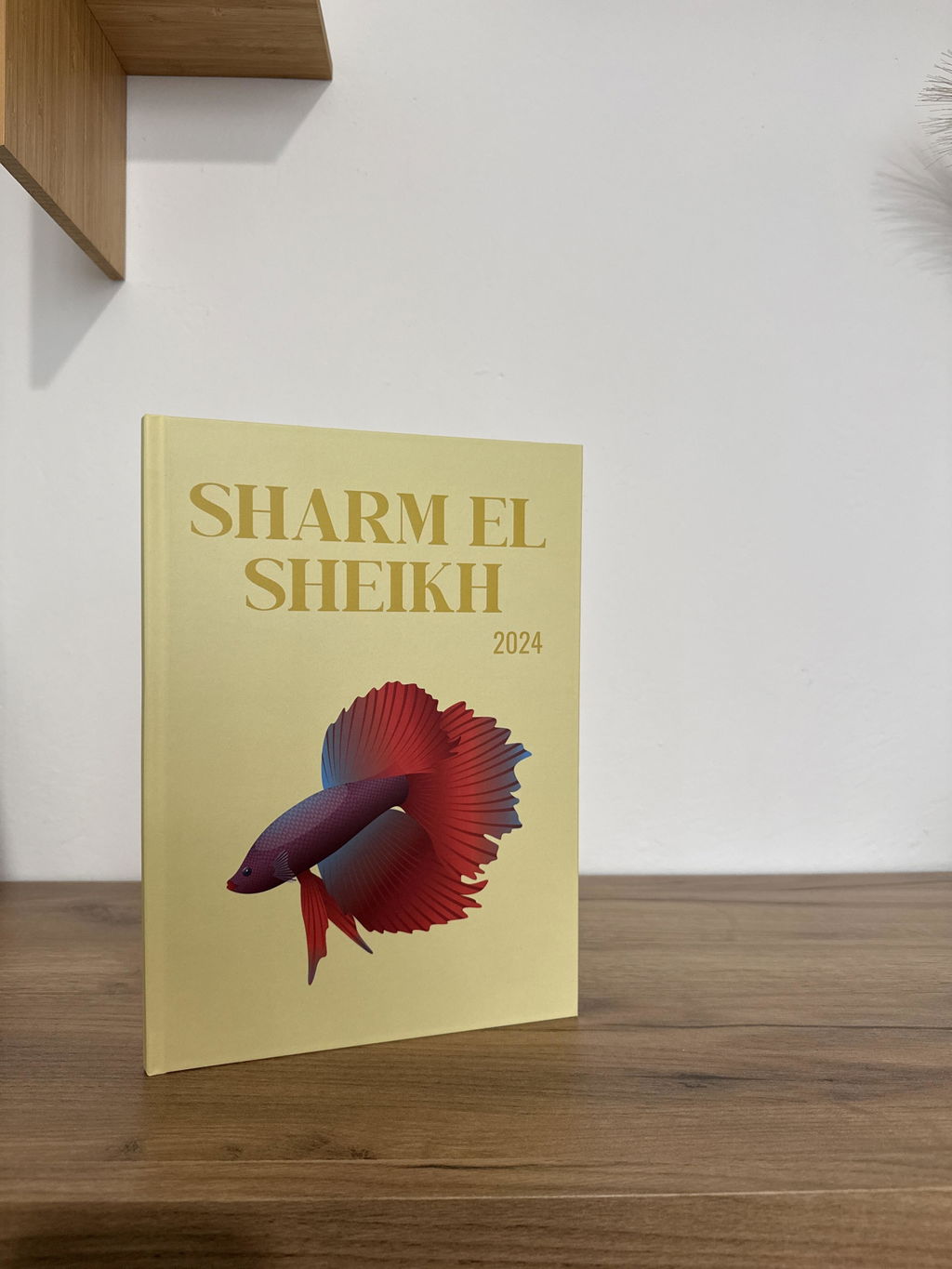
Създадох албума с много любов и бях невероятно очарована, когато го получих. Толкова е красиво да видиш снимките си на такава страхотна изработка и качество. Благодаря от сърце и със сигурност това няма да е последния албум, който поръчвам!
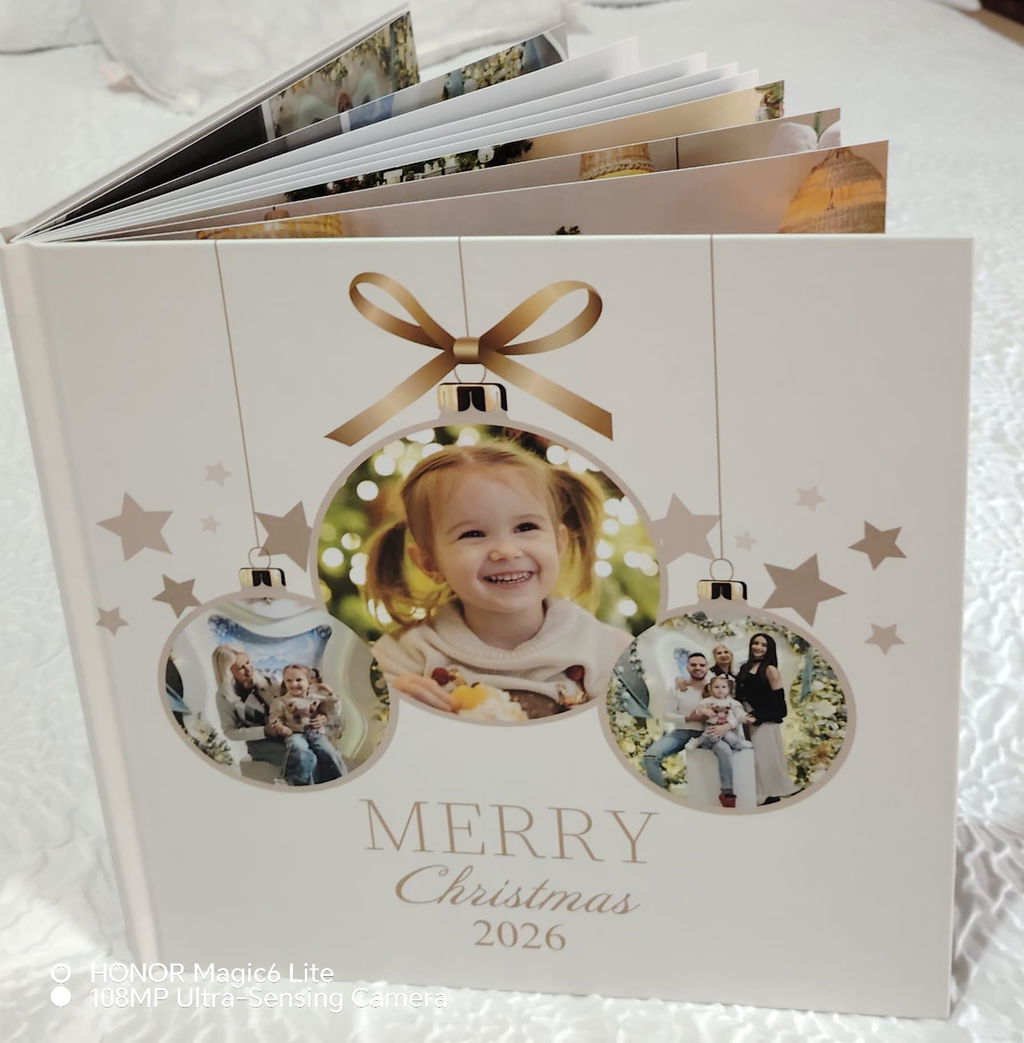
Много бърза реакция и супер качество
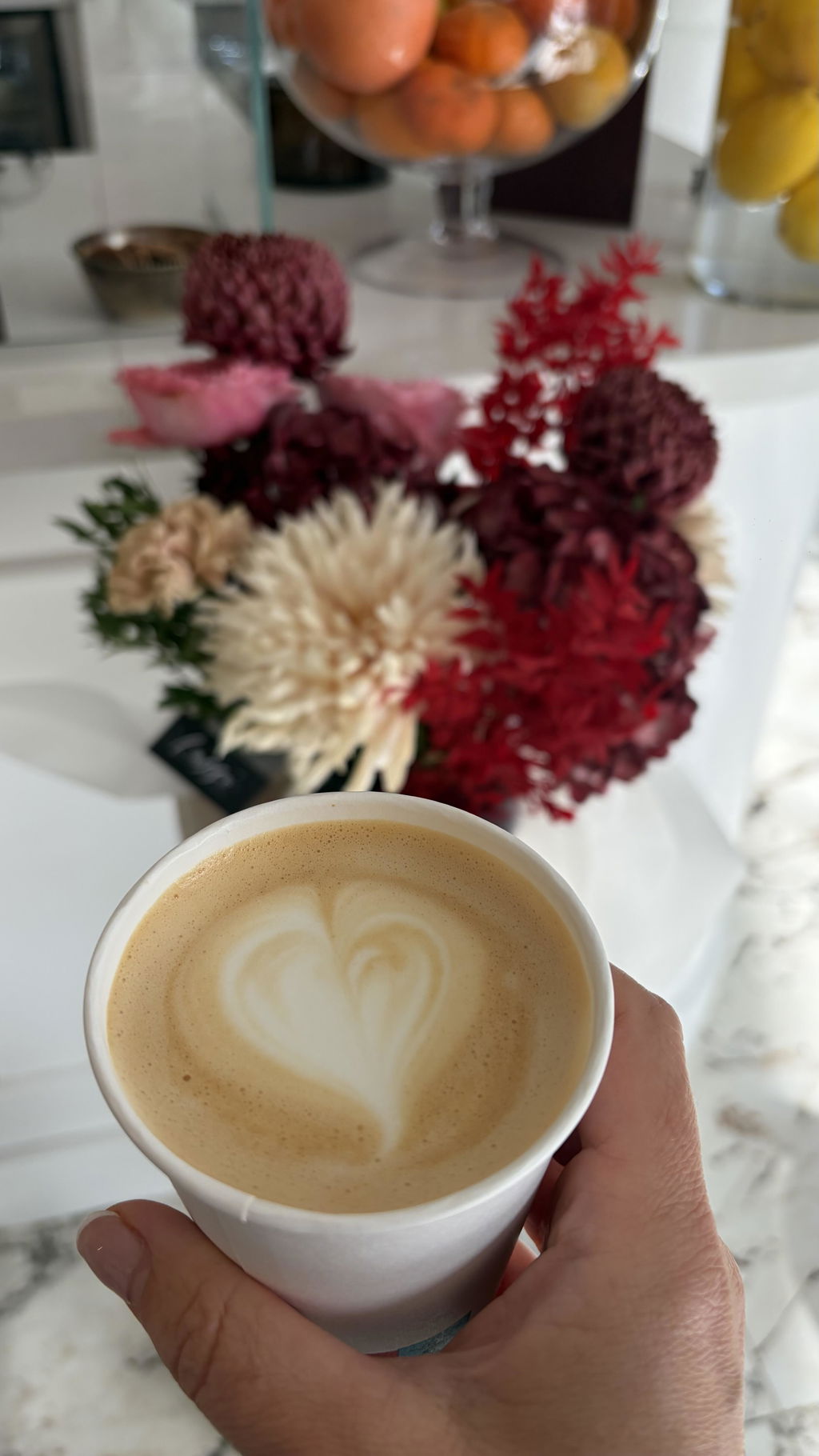
Фотокнигата се е получила страхотно!! Снимките са излезли прекрасно, както и всички надписчета и стикерчета вътре! Екипът, който изготвя тези книги бяха много любезни и се свъзваха с мен, за да ми предложат как могат да подобрят някои неща, така че да изглежда още по-добре! Прекрасни са!!
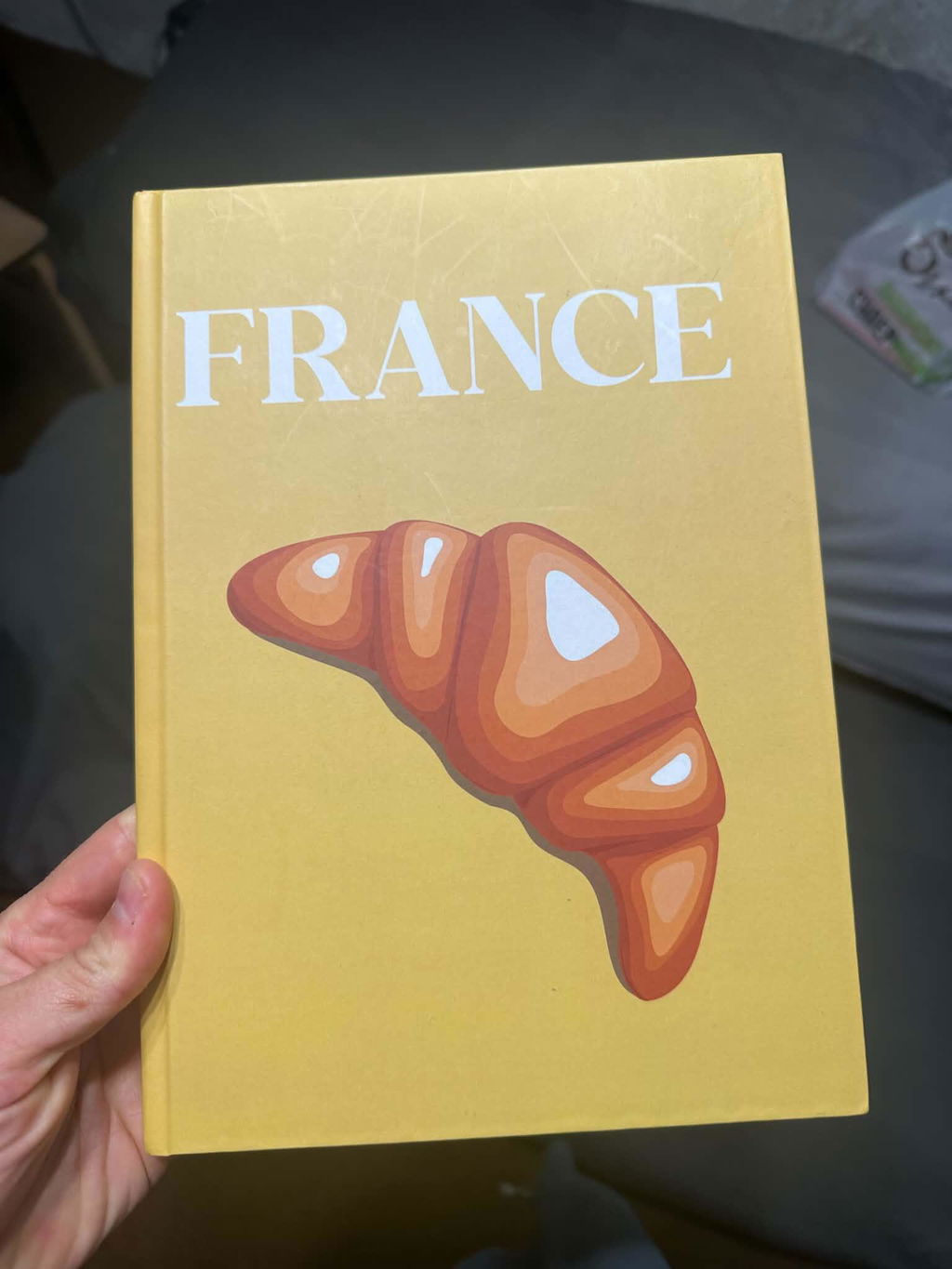
Чудесен албум! ☺️
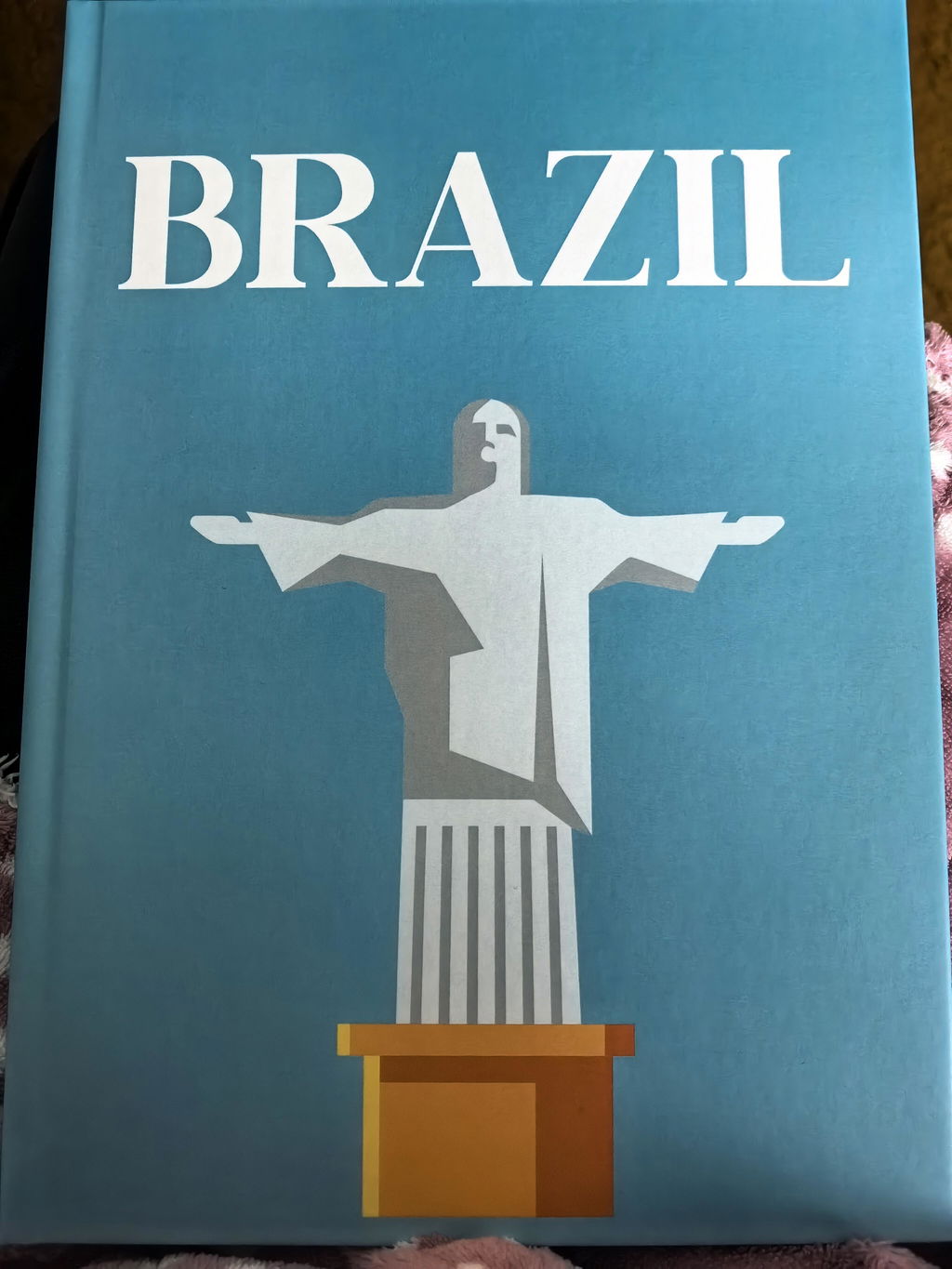
Албумът е просто прекрасен! ❤️ На живо е дори още по-хубав, отколкото си го представях. Личи си колко много внимание, старание и любов са вложени във всеки детайл. Надмина очакванията ми и се превърна в истински скъп спомен за нашето семейство. 😍✨ Благодаря ви от сърце за тази красота! ❤️
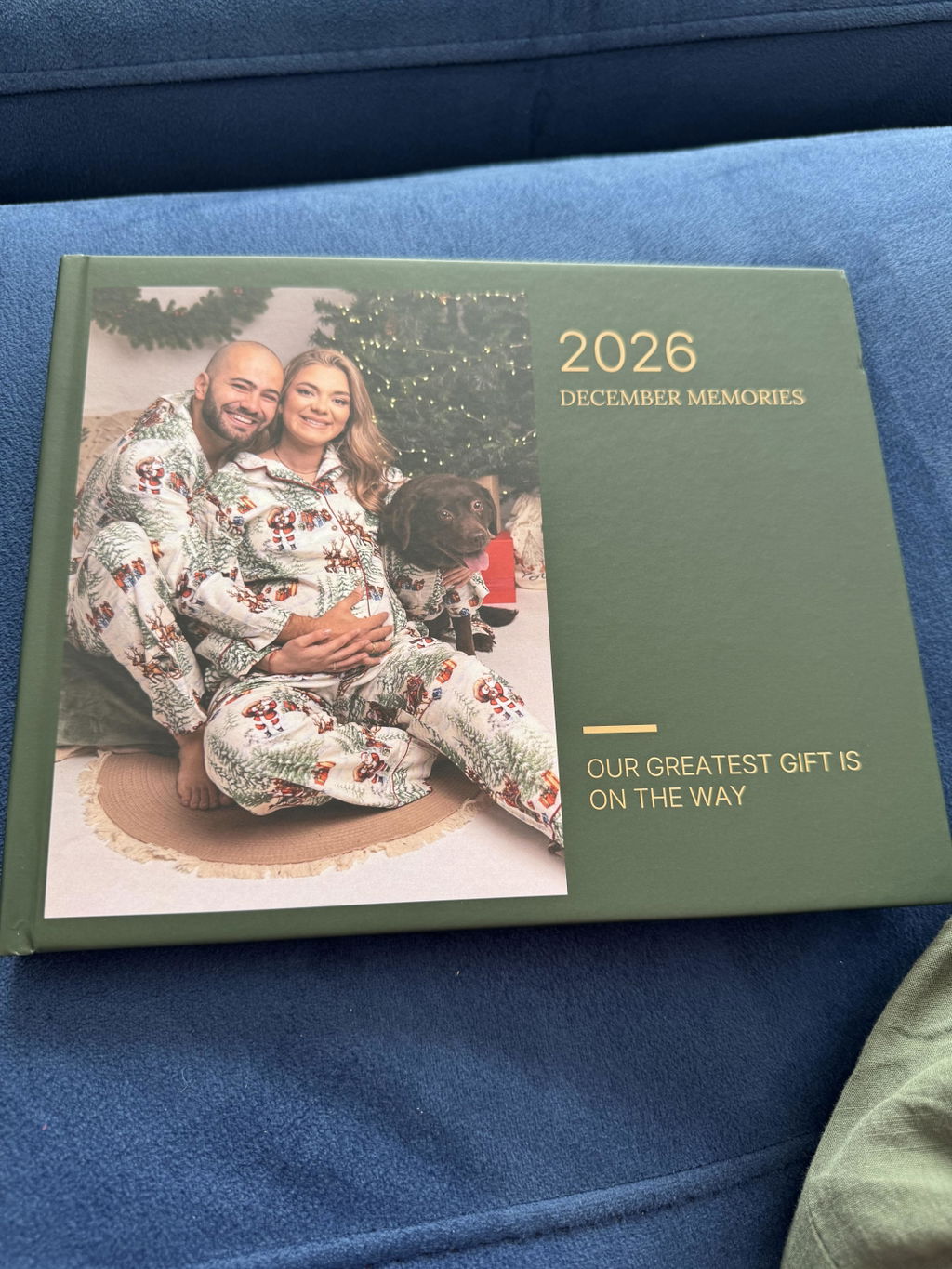
Прекрасни албуми! Препоръчвам!
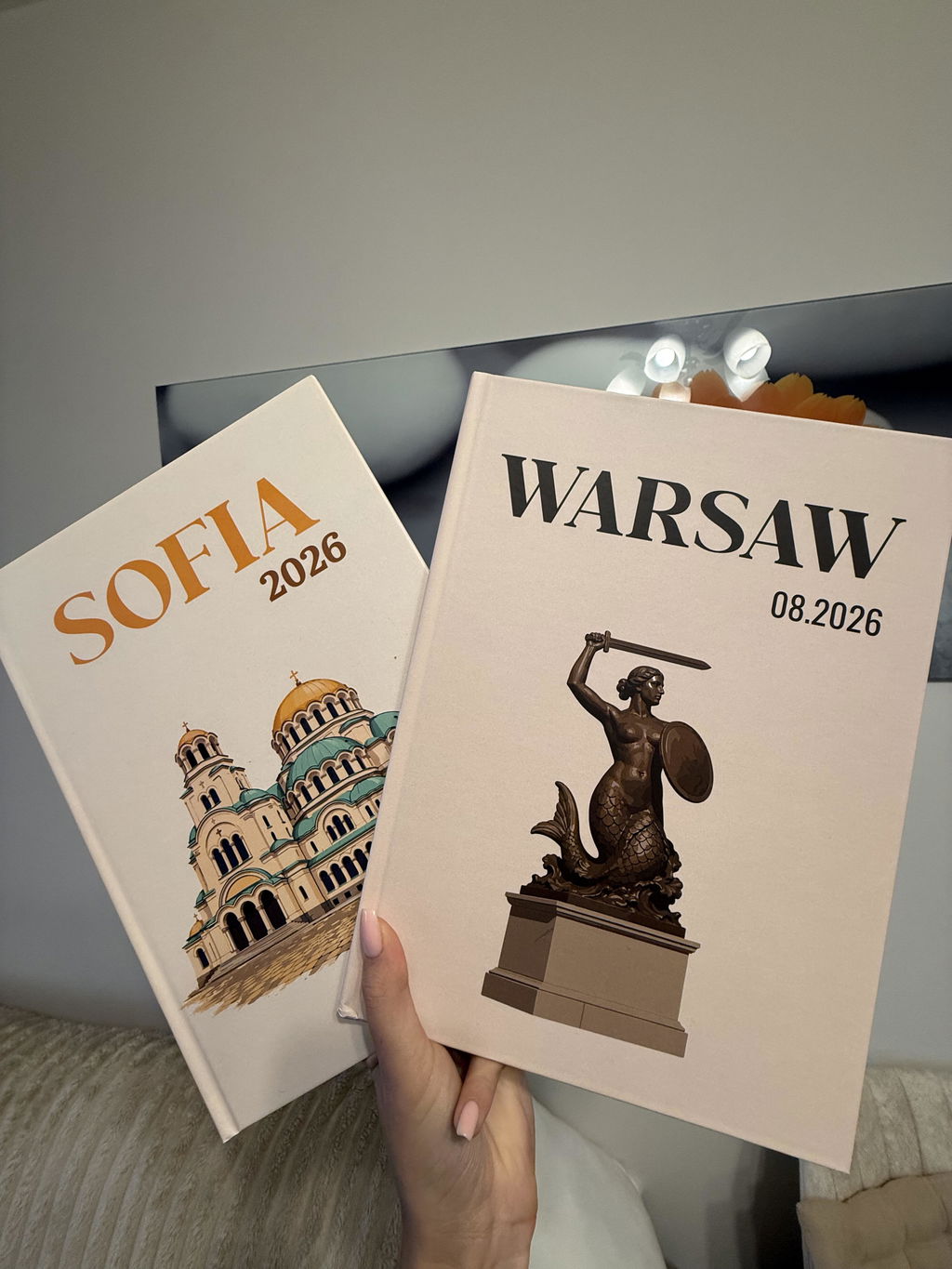
Изключително съм доволна от изпълнението на албума. Продавам с две ръце.
Страхотен албум! Добро качество на снимките и бърза доставка! Бих поръчала отново!
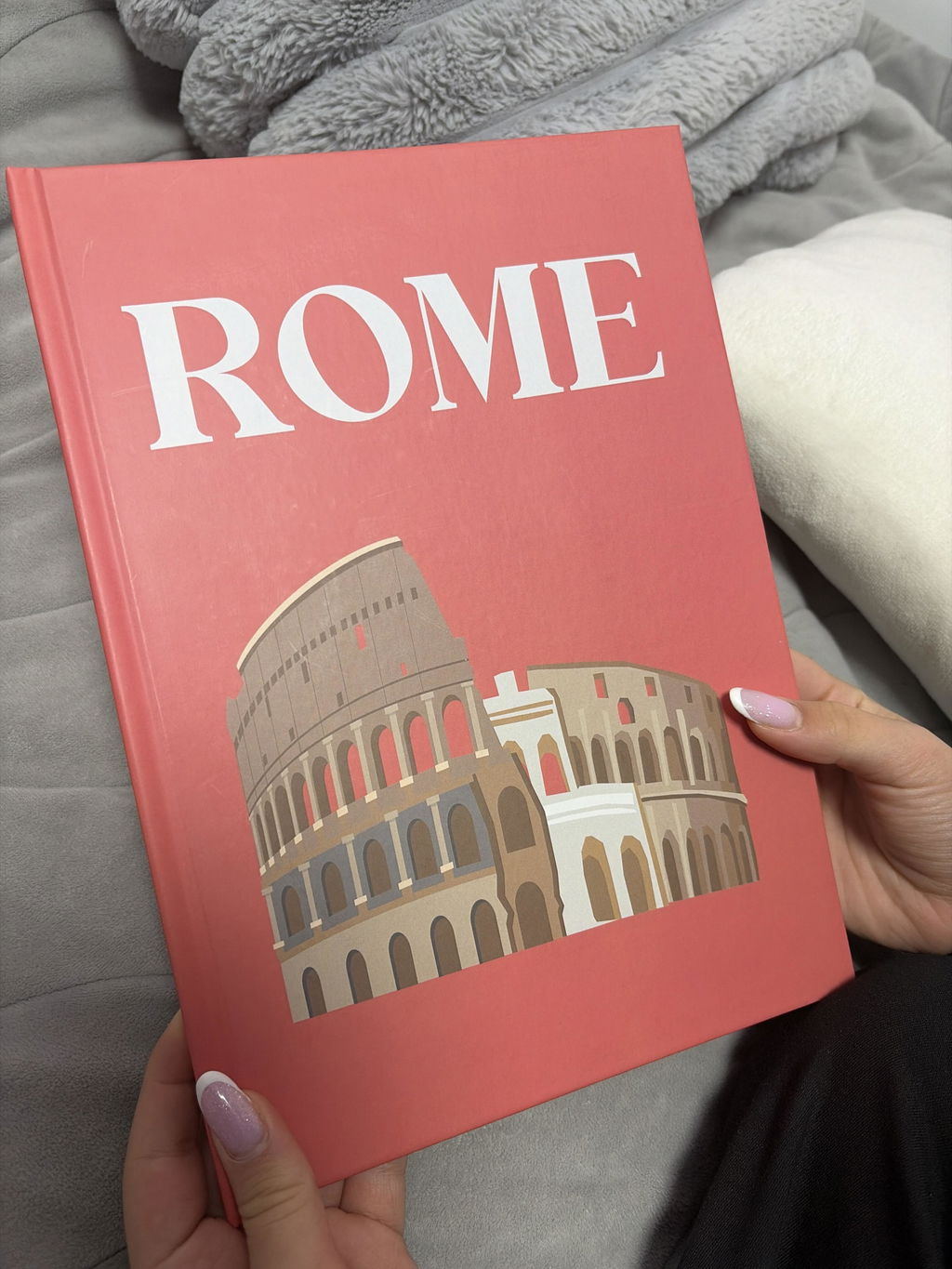
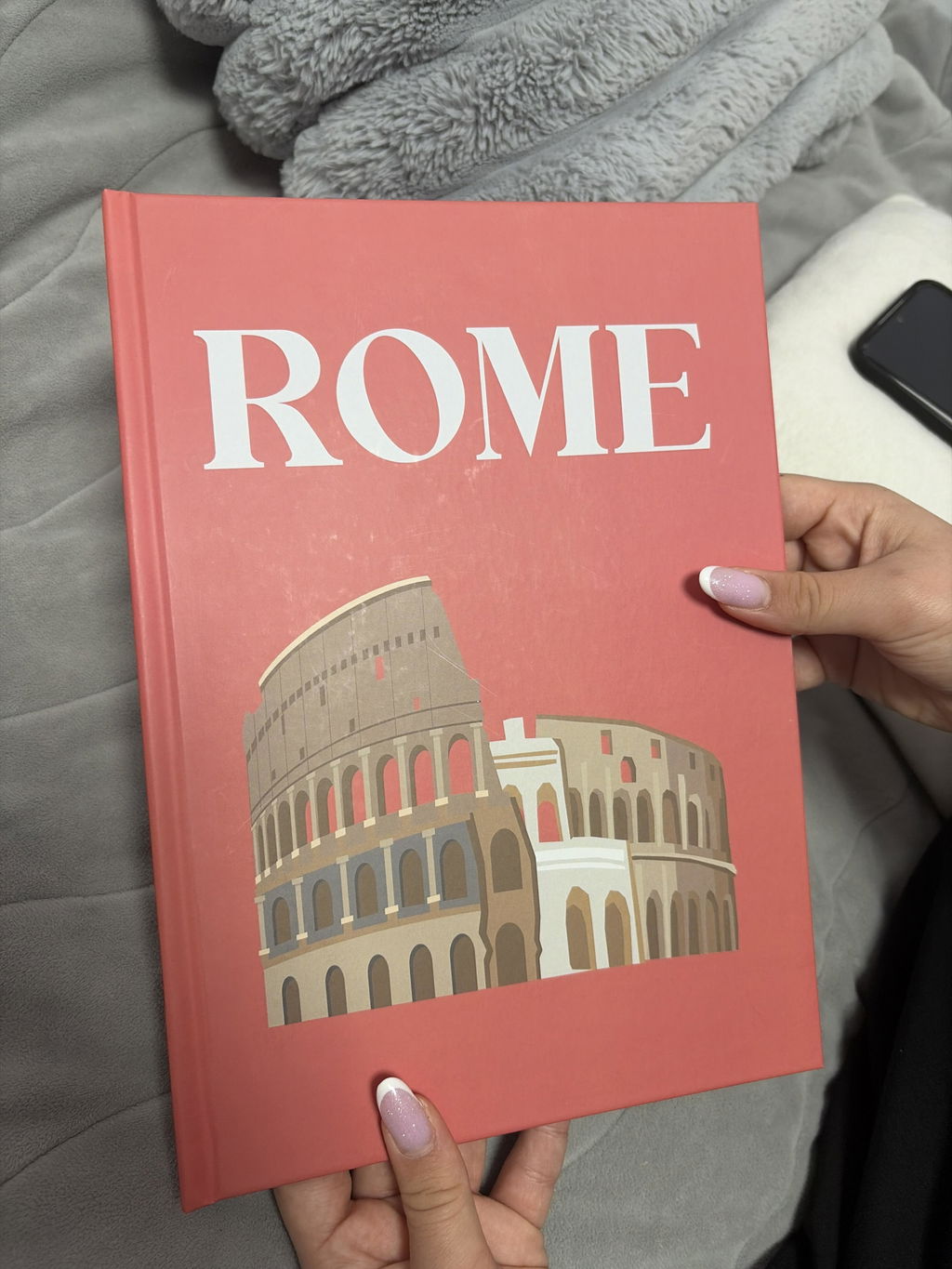
Фотокингата е уникааална! Точно това, което очаквах, че и по-хубава! 🥹
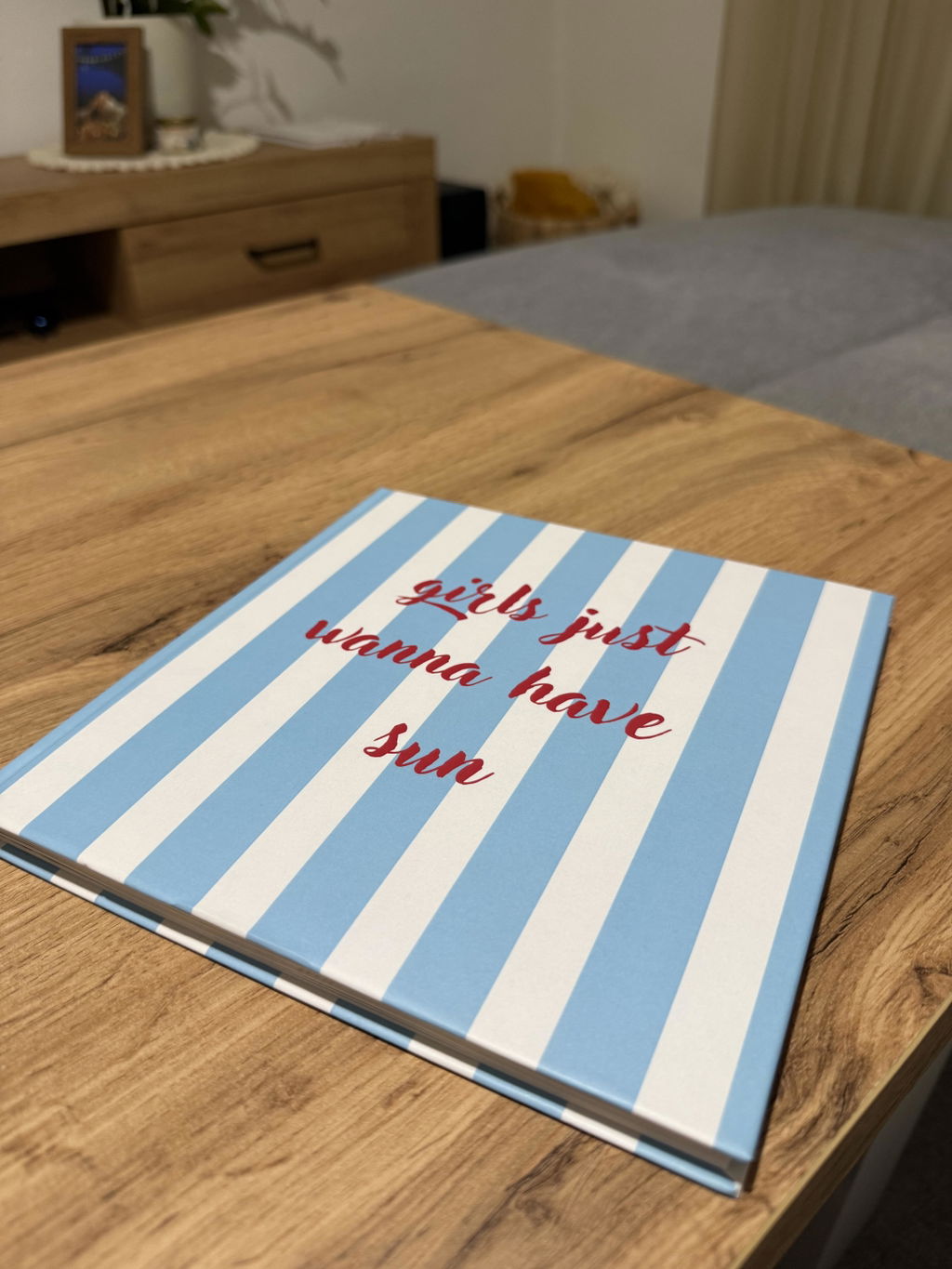
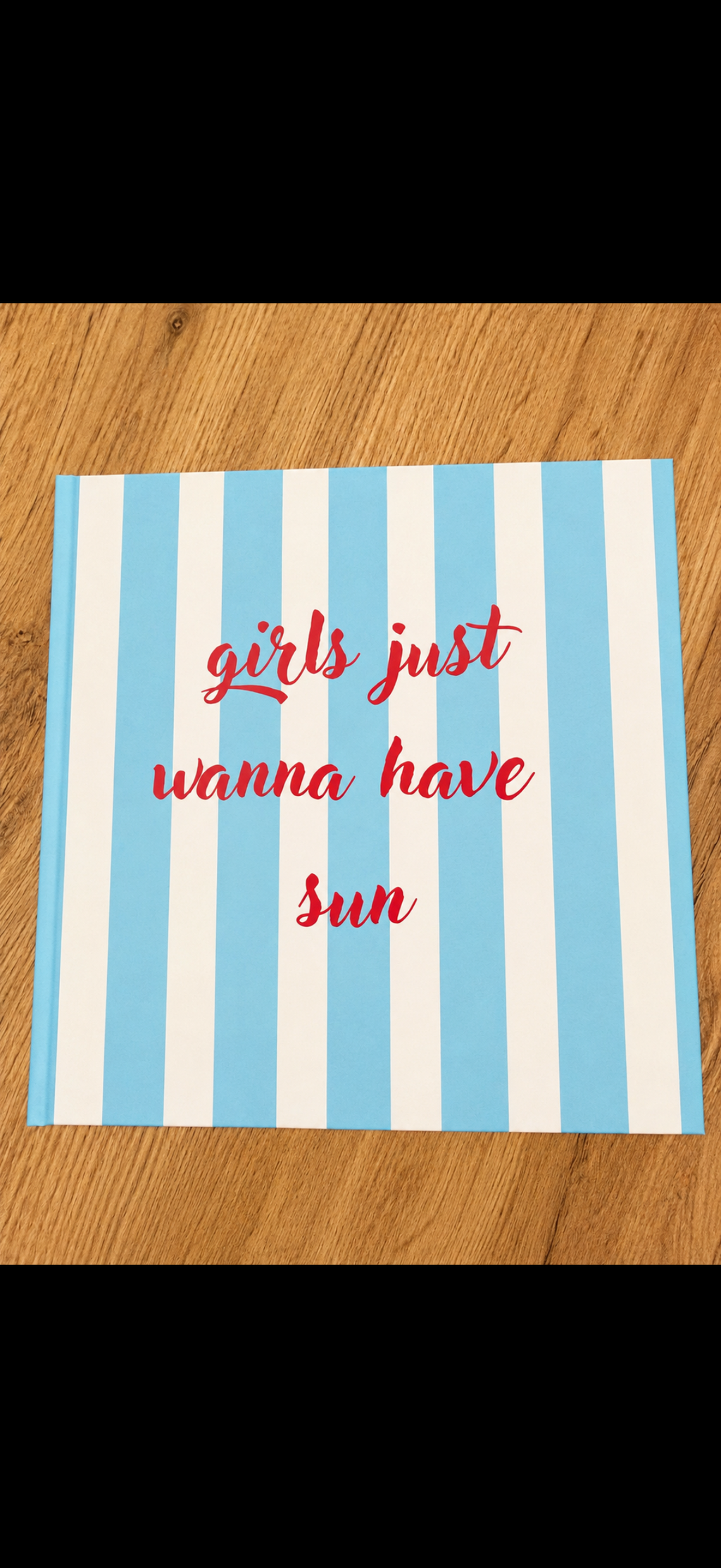
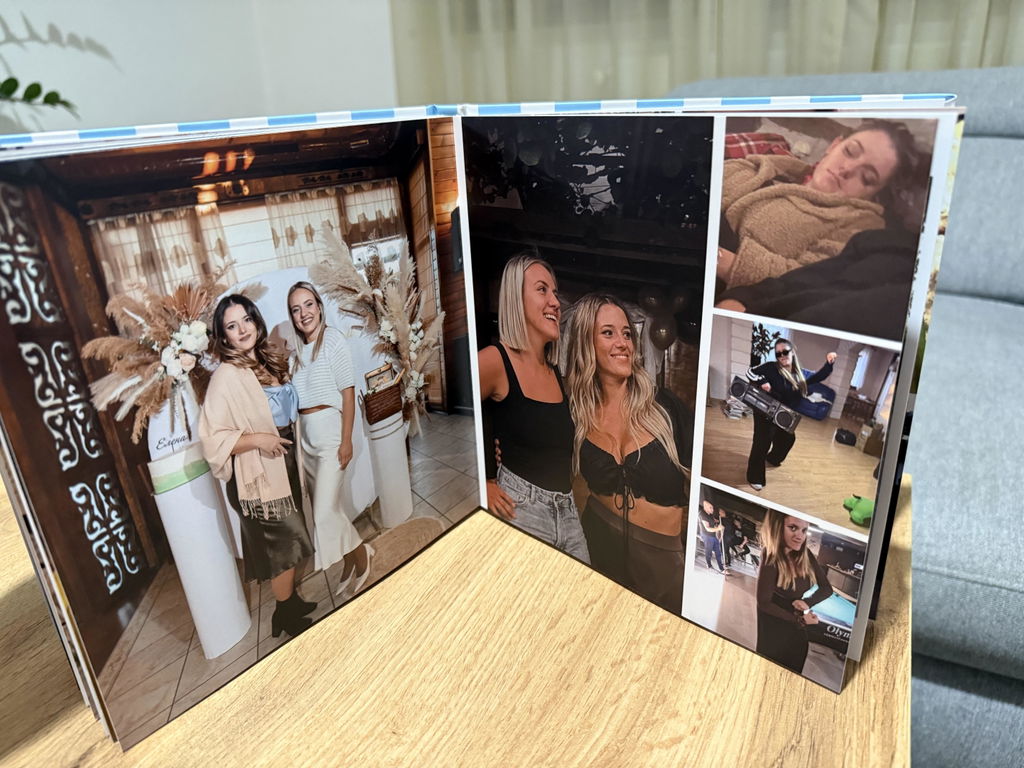
Страхотна е!
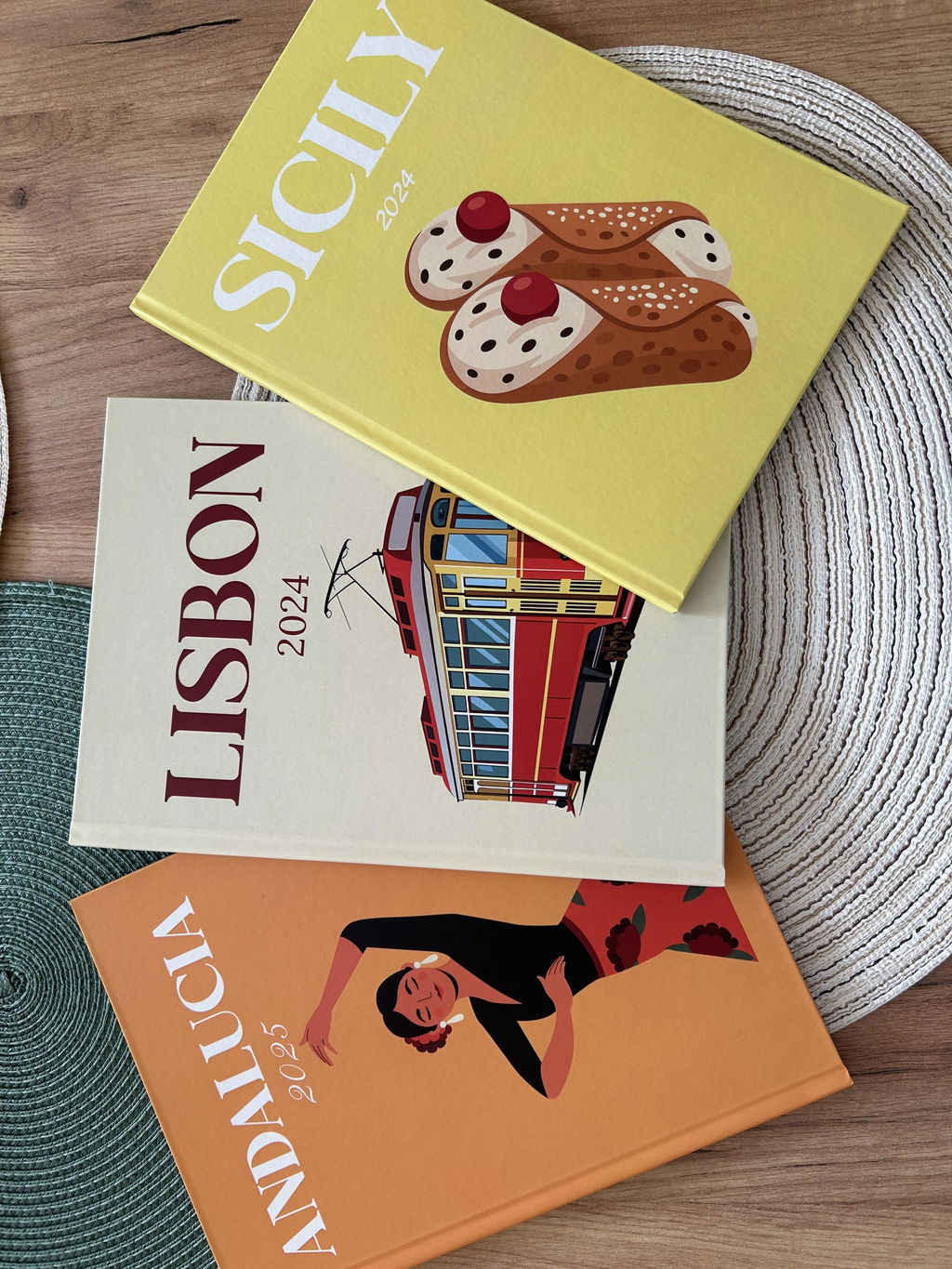
Страхотена е много качествена изработка.
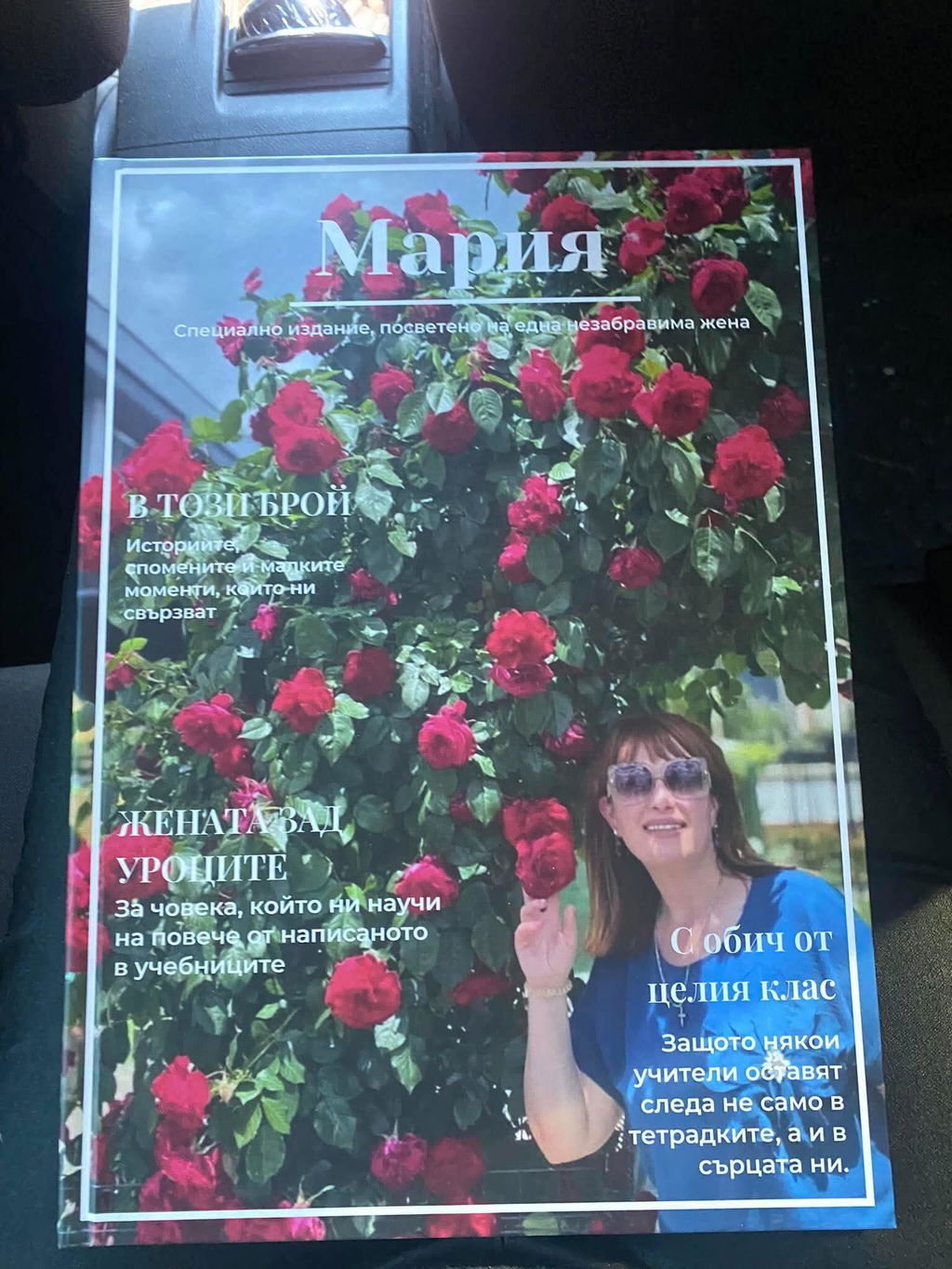
Супер! Фотокнигите са чудесни, лесни и приятни за създаване.
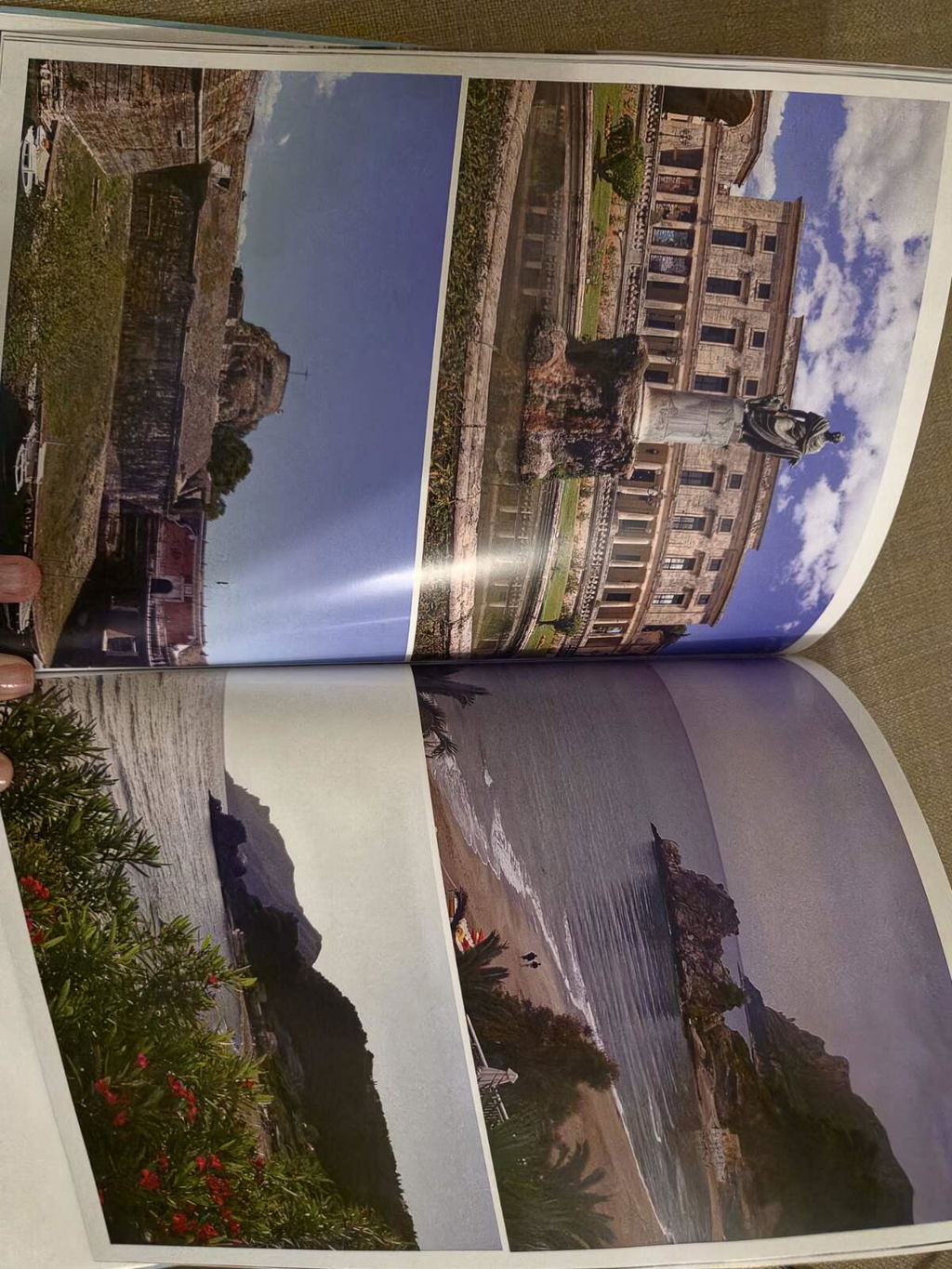
Страхотни! Подготвям още проекти и чакам с нетърпение възможност за повече страници.
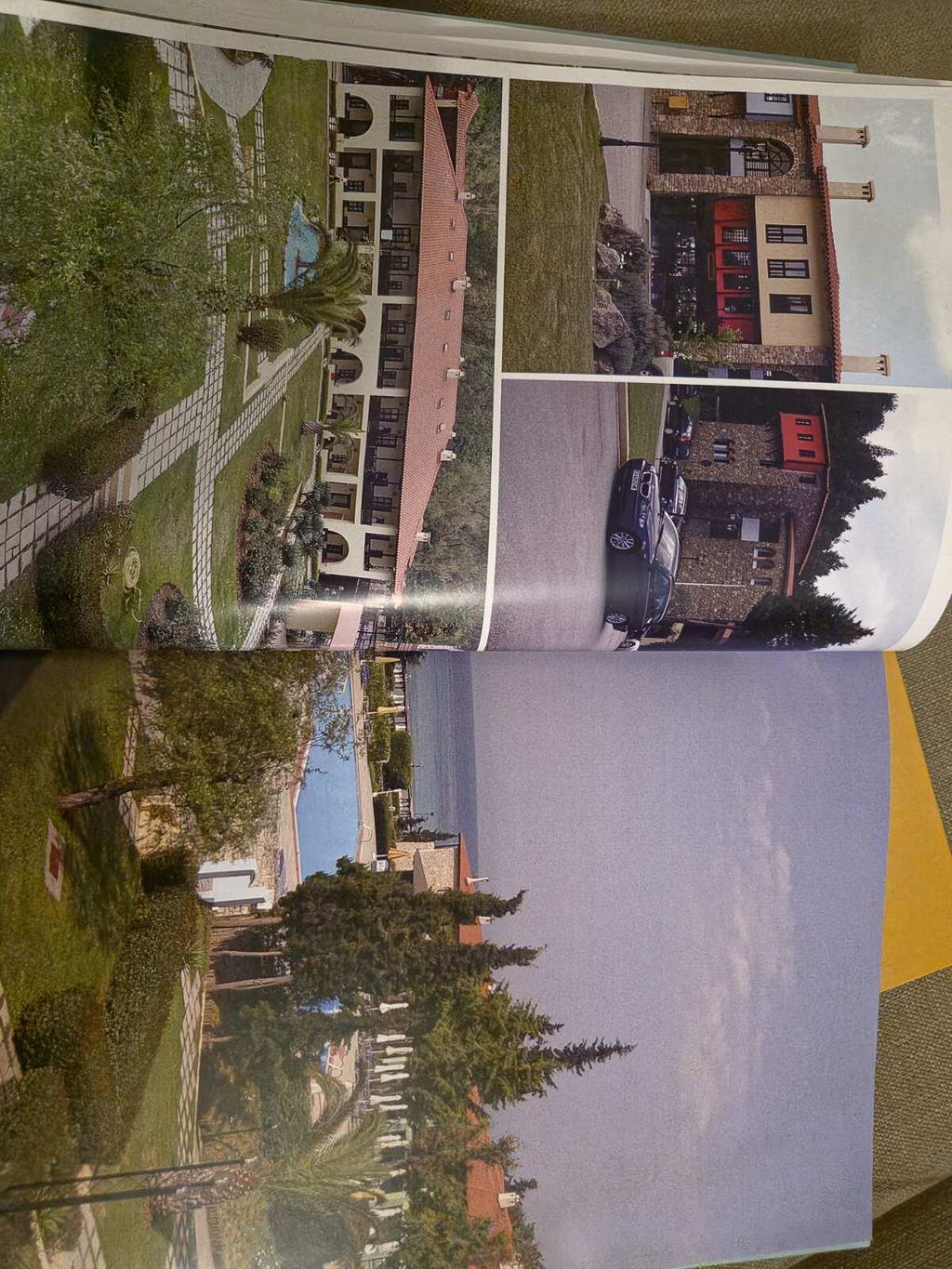
Чудесни фотокниги! Поръчах няколко и планирам още.
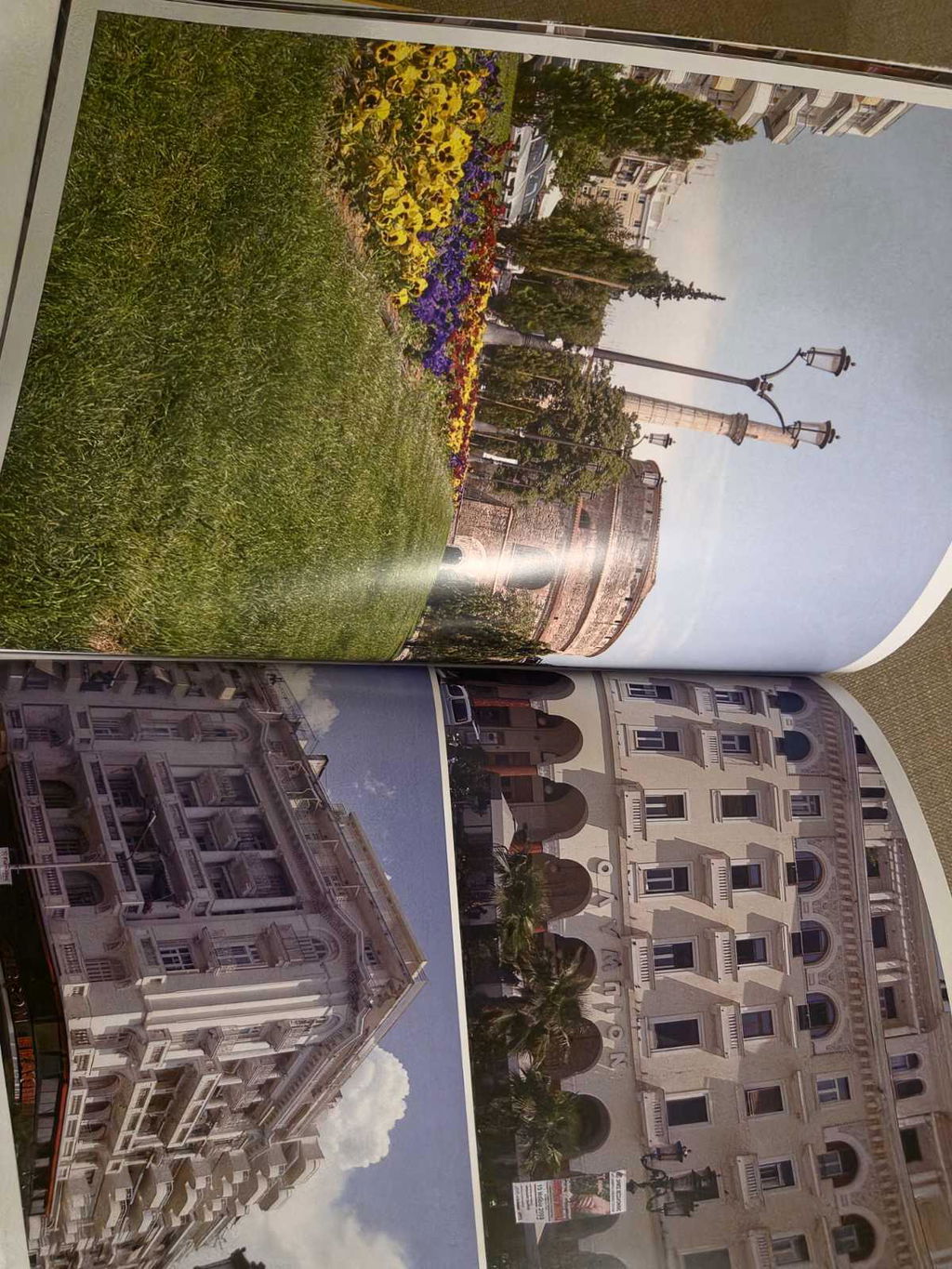
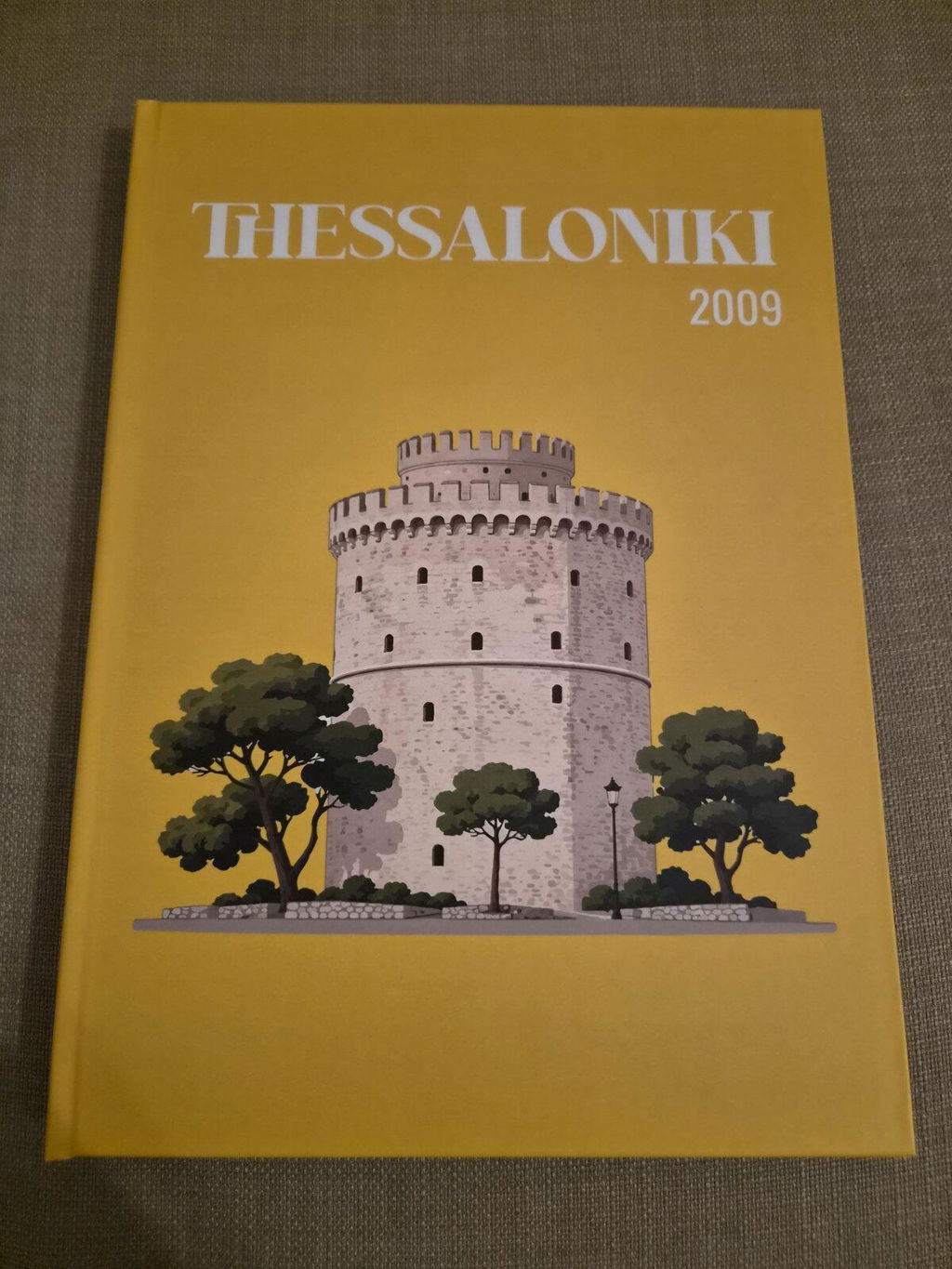
Чудесни фотокниги ! Качеството на печат е отлично !
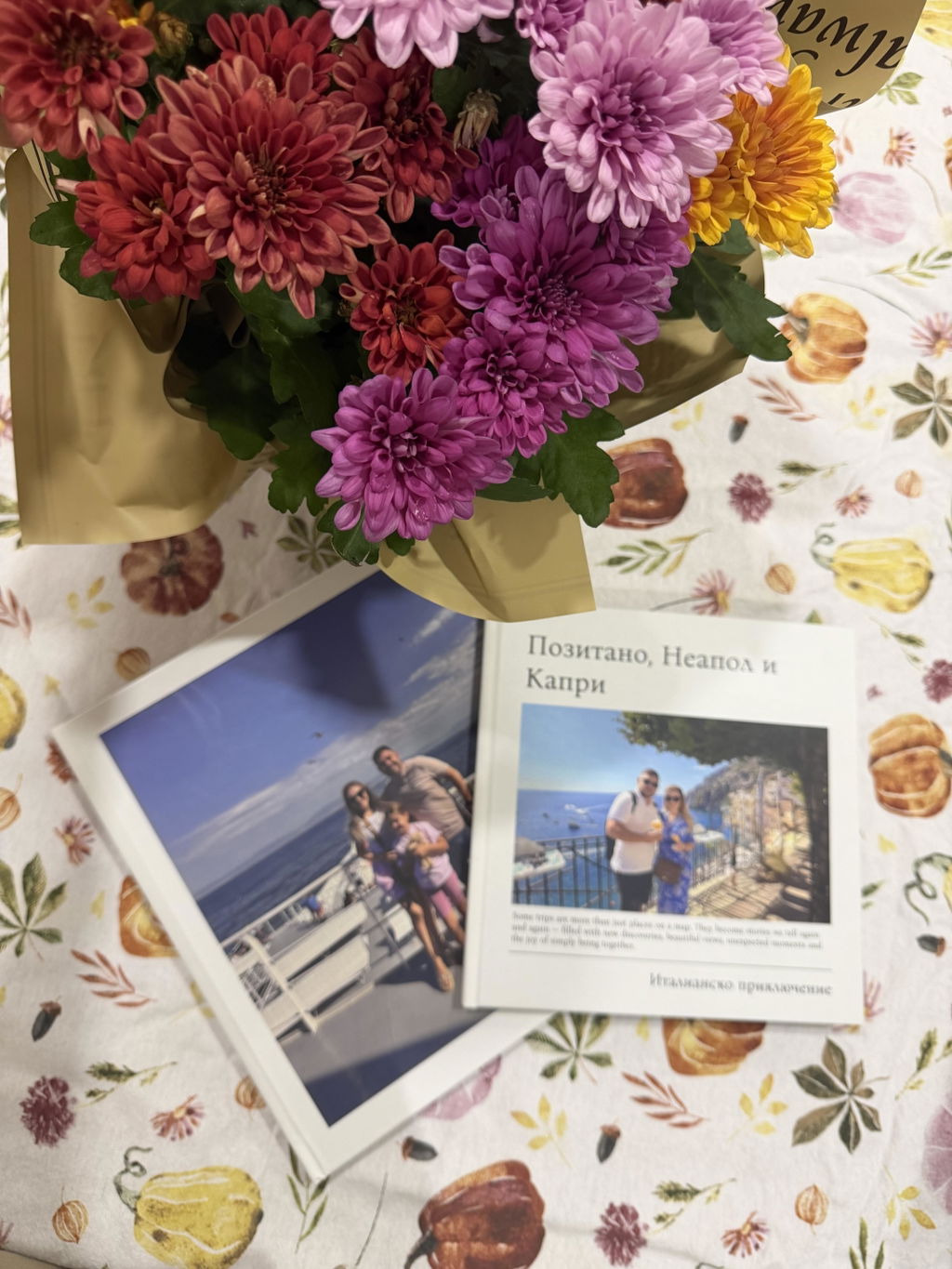
Страхотен албум е – много красив и подходящ за подарък на специален човек. ❤️
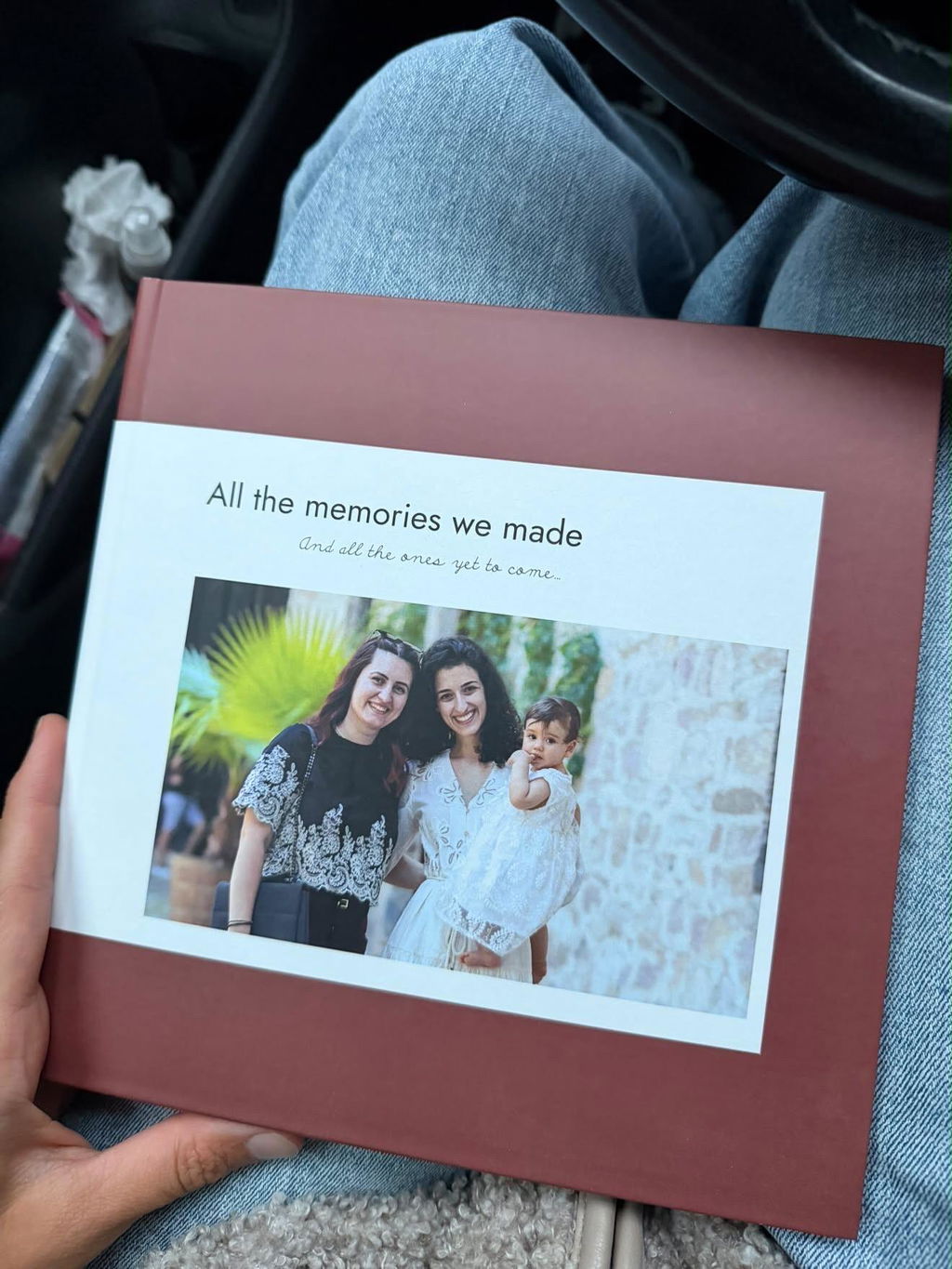
Много добро изпълнение и бърза реакция от страна на момичетата!
Влюбени сме в албума, изработката е просто невероятна, надмина очакванията ни. Благодарни сме, че се доверихме на екипа ви, няма по-прекрасен начин да запечаташ сватбения си ден в толкова красив албум
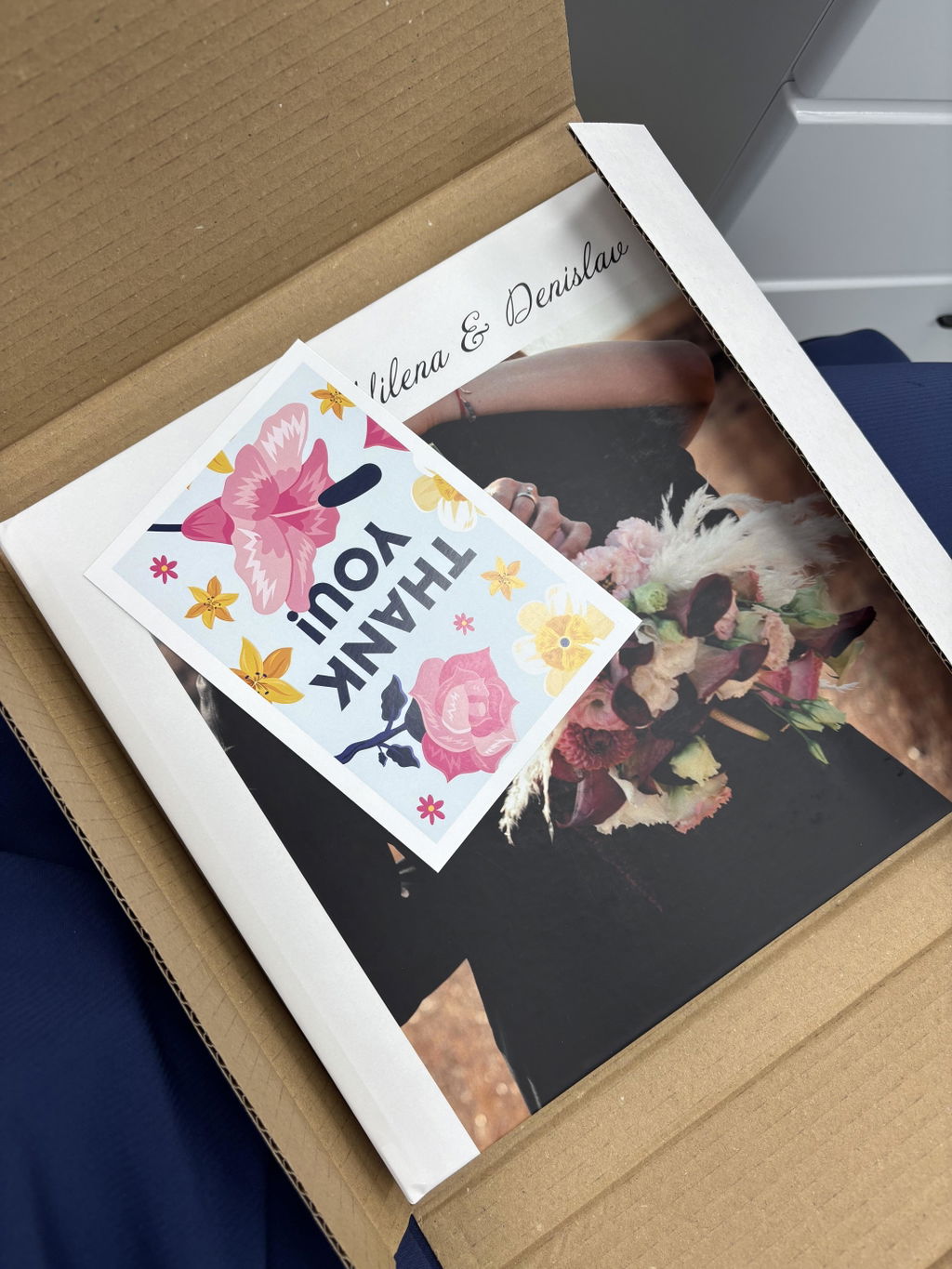
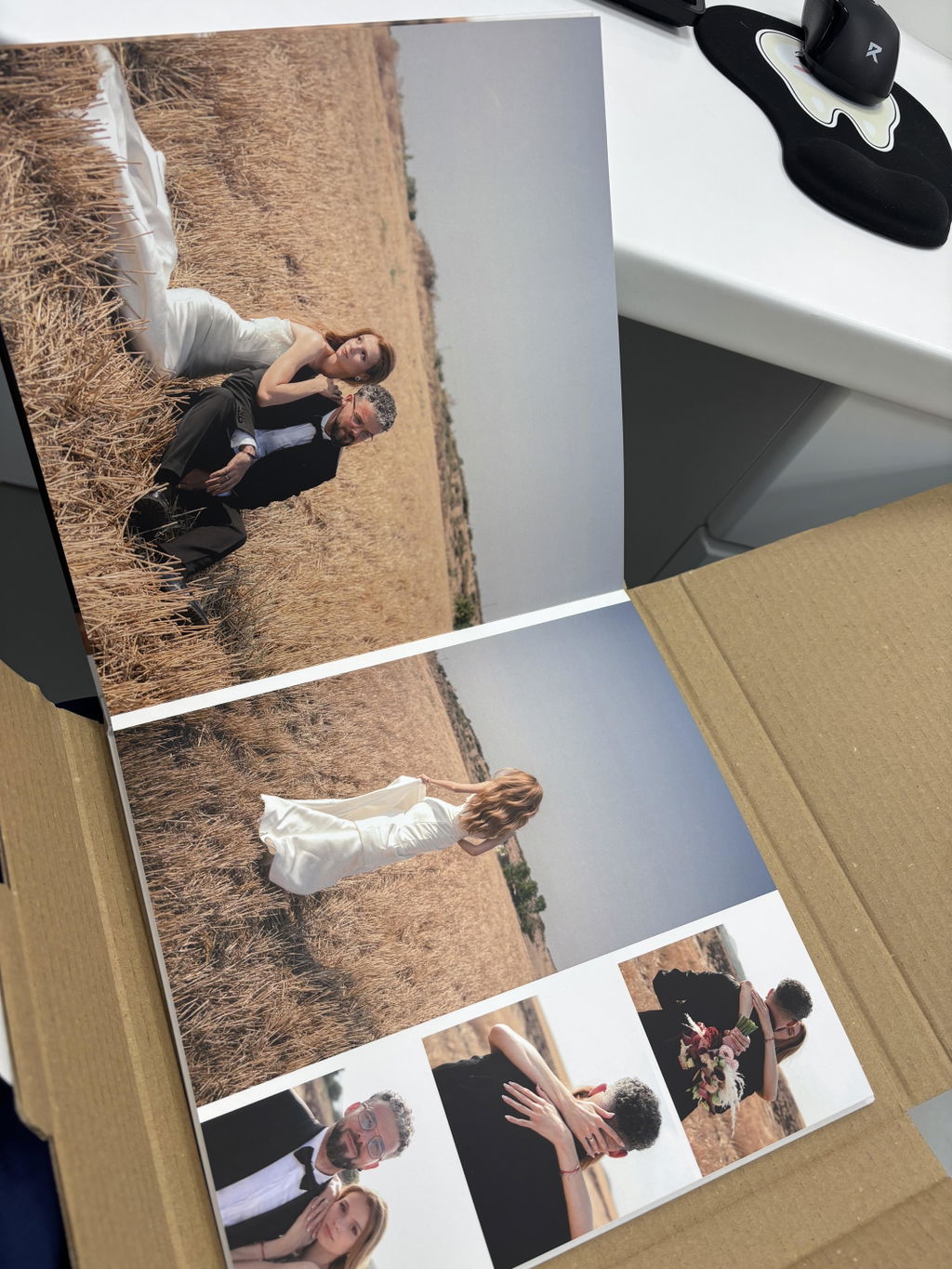
Много добра изработка, бързо и прецизно, много съм доволна!